Segment channel accounts
Organise dealers, workshops, fleet accounts and other channel partners with the territory, account type and ownership needed for practical field planning.
Explore workflow
Lubricant sales depend on consistent coverage of dealers, workshops, fleets and distribution partners across defined territories.
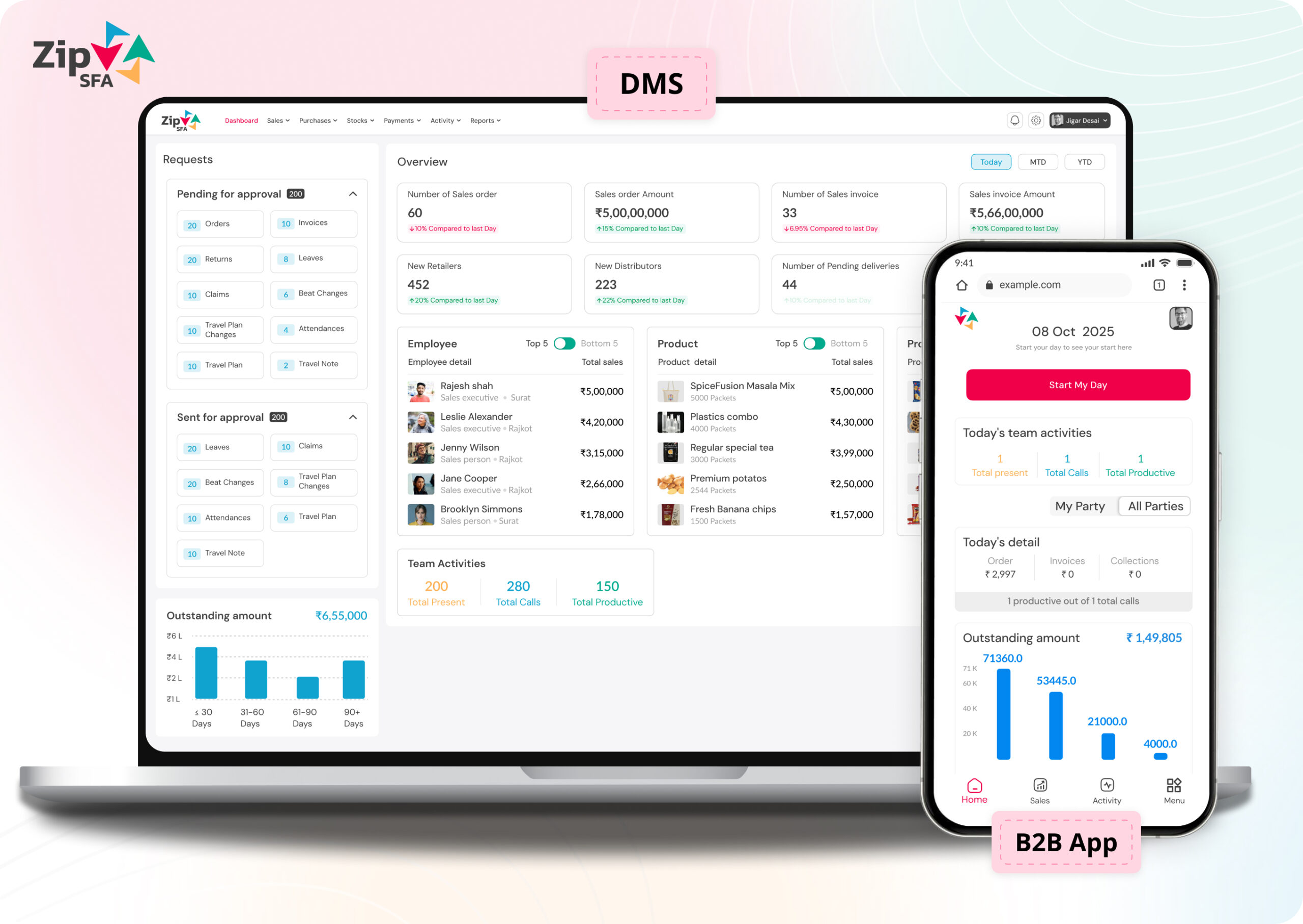
ZipSFA is configured around existing roles, customer structures, territories, approvals and reporting needs rather than assuming one standard implementation.
Outlet segmentation and beats
Visit and order capture
Distributor stock and sales context
Territory performance review
Lubricants field sales teams work across varied channel accounts, product grades and territories. Sales force automation should help each representative plan the right coverage, capture a useful visit outcome and give managers a consistent view of orders and follow-up.
Organise dealers, workshops, fleet accounts and other channel partners with the territory, account type and ownership needed for practical field planning.
Explore workflowGroup accounts into executable beats and assign an appropriate visit cadence so representatives know which relationships require attention each day.
Explore workflowCapture the configured discussion, observation, activity and next action against the correct account instead of relying on personal notes or messages.
Explore workflowRecord the customer, lubricant product or grade, quantity and relevant commercial context during the field interaction.
Explore workflowConnect field demand with configured distributor responsibility, transaction processing and exception follow-up.
Explore workflowExamine coverage, activity, orders and channel movement by representative, account, product and territory using consistent operating records.
Explore workflowA useful demonstration should use representative account types, product data, territories and normal order or follow-up exceptions. Confirm what each role needs to capture and which downstream system owns each transaction.
Permissions and workflows should match responsibility, so representatives stay focused while managers and operations teams retain the required control.
A lubricants implementation should reflect actual channel roles, visit cadence, product structure and exception handling. Industry terminology alone is not a configuration.
A product review should establish what users will do differently and what managers will be able to verify. Avoid relying only on dashboard appearance or a long feature checklist.
Map roles, masters and existing systems.
Define workflow, permissions and approvals.
Test realistic data and exception scenarios.
Train users and review early operating records.
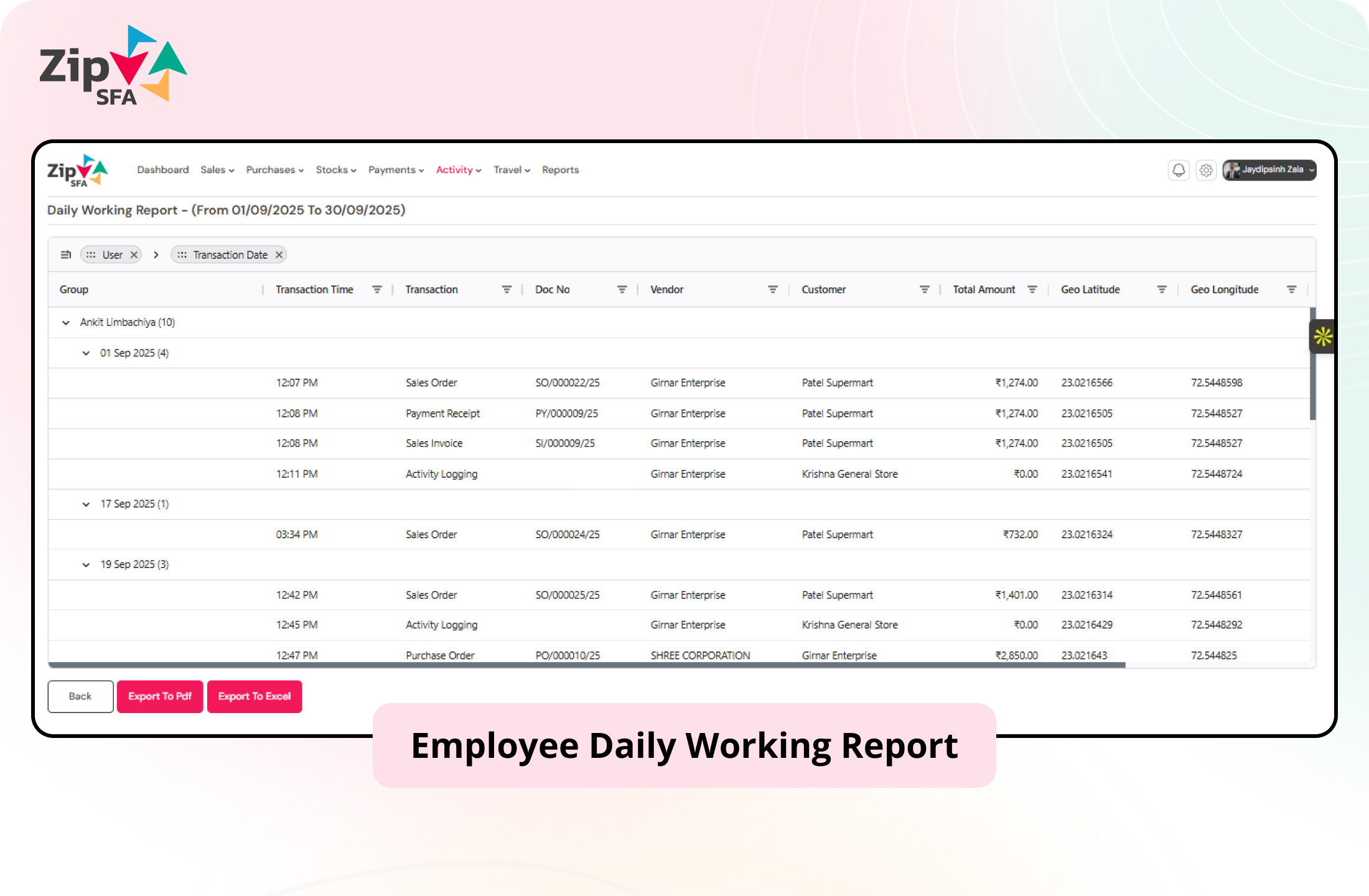
ZipSFA connects field and channel activity with the user, customer, date and relevant transaction. Managers can review the result and investigate the underlying execution without rebuilding it manually.
Use these answers to prepare a more specific product and process discussion.
Sales force automation software helps lubricant businesses structure recurring field work such as territory and beat planning, dealer or workshop visits, mobile order capture, distributor coordination and manager reporting. The appropriate scope depends on the company's channel model and existing systems.
Account masters and field workflows can be evaluated for dealers, workshops, fleet accounts, distributors and other relevant channel partners. The implementation should define account types, ownership, required data and visit processes.
Mobile order capture can record the customer, configured product catalogue, quantity and required commercial context during field work. Product, pricing, approval and downstream transaction rules should be confirmed during discovery.
Planned beats, completed visits and configured outcomes can provide a consistent record for territory review. The company should define meaningful coverage measures, required visit frequency and exception handling.
Distributor and ERP integration can be evaluated when the required masters and transactions are available. System ownership, validation, transfer timing, failure handling and reconciliation responsibilities must be agreed before implementation.
Prepare representative territories, channel account types, sample product and packaging data, visit scenarios, order rules, distributor responsibilities, management reports and common exceptions handled by the field team.